

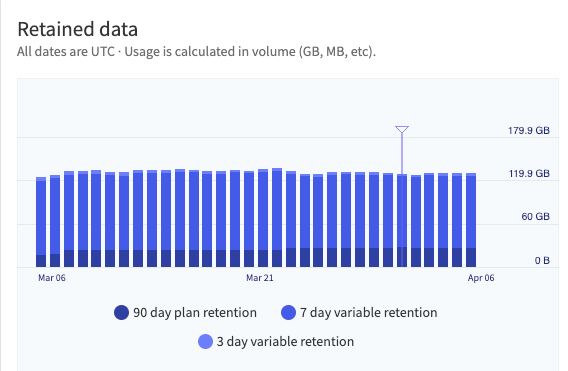
The Retained Data usage graph with a marker indicating the end and beginning of the usage cycle.
Create a Usage Alert
- In the Mezmo Web App, navigate to Usage > Dashboard.
- Scroll to the Usage Alert section.
- Set the Usage Limit. When your usage reaches this volume of data, in GB, it will trigger an alert.
- Select the recipients to receive the alert. You can add up to 100 recipients.
The recipient list shows only organization members whose roles grant the Manage permission level for logs. This includes custom roles. To add a member who is missing from the list, grant that permission level to one of their roles. See Role-Based Access Control.